
Machine-ready portrait in 5 minutes. No Photoshop, no waiting on a retoucher — AI restoration and retouching tuned for granite, laser etching and impact engraving.
A headstone portrait is often made from the only photo a family has. Our pipeline restores it gently, keeps the face true to the person, and delivers a file your engraver can use right away.
Any portrait works as a starting point — a faded print, an old scan, a phone snapshot. Memorial photo restoration repairs scratches, creases, fading and soft focus; black-and-white photos are colorized automatically.
The portrait is retouched in a consistent, dignified style built for monument work. The background is removed or replaced with a soft halo — the classic look of a laser-etched granite portrait.
You receive a high-resolution 4K file with contrast and detail tuned for headstone engraving — ready for the monument shop, a laser or impact machine, a memorial plaque or a ceramic photo.
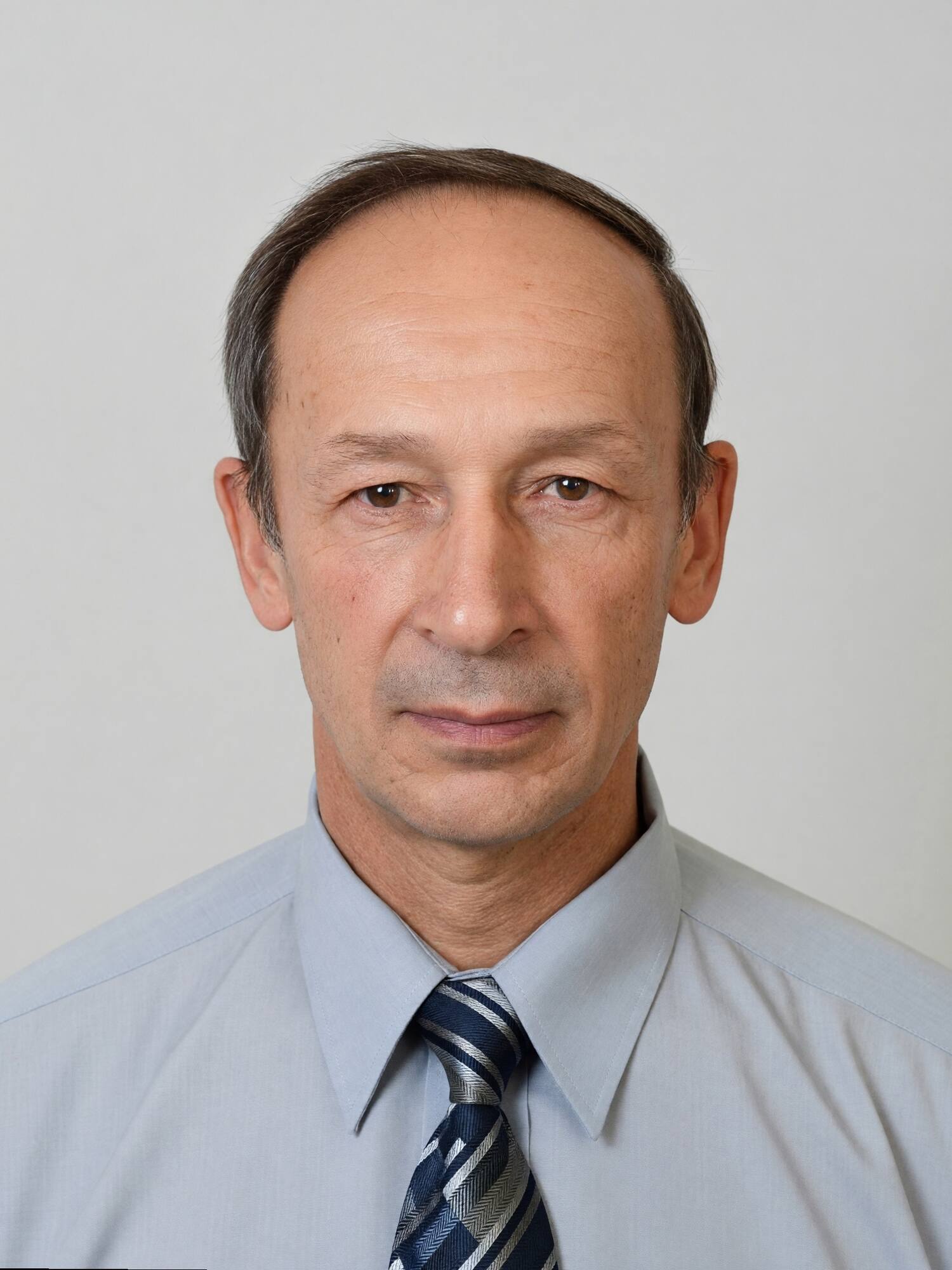
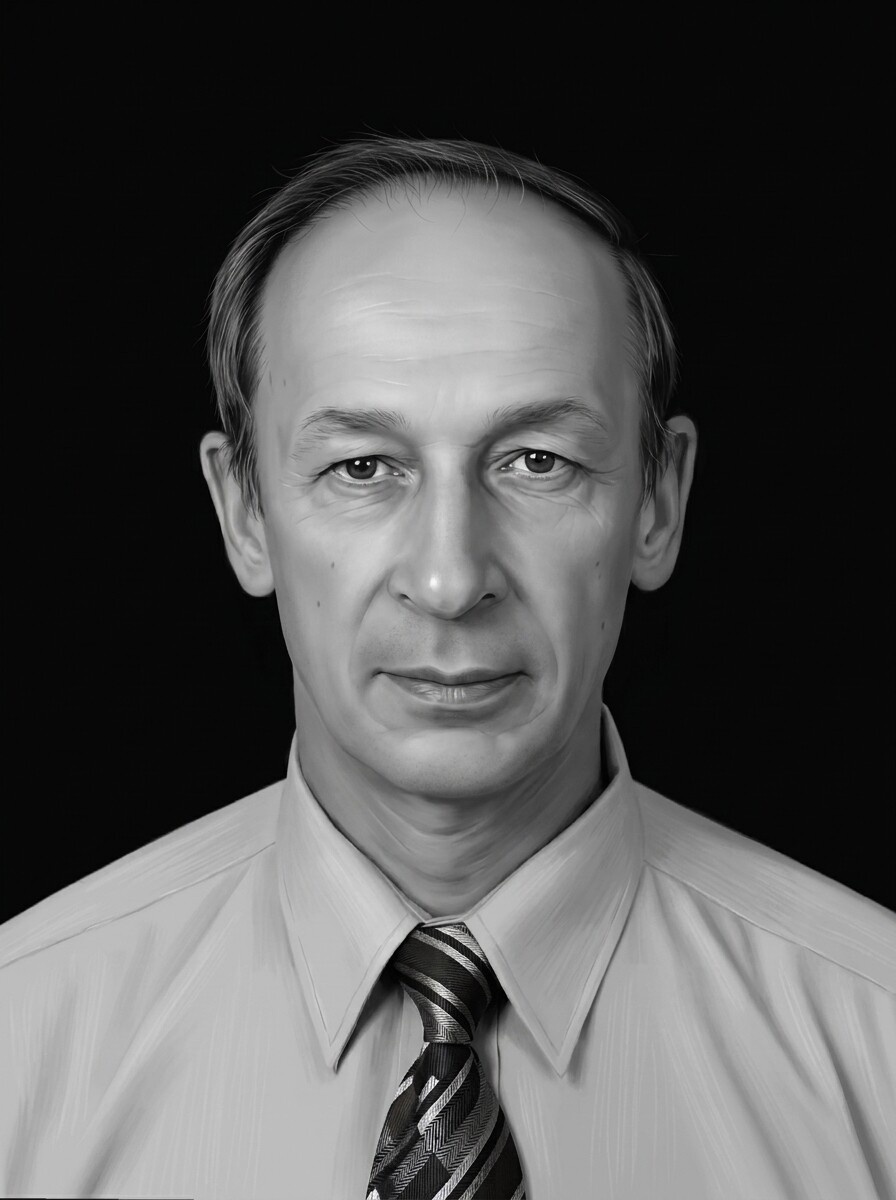
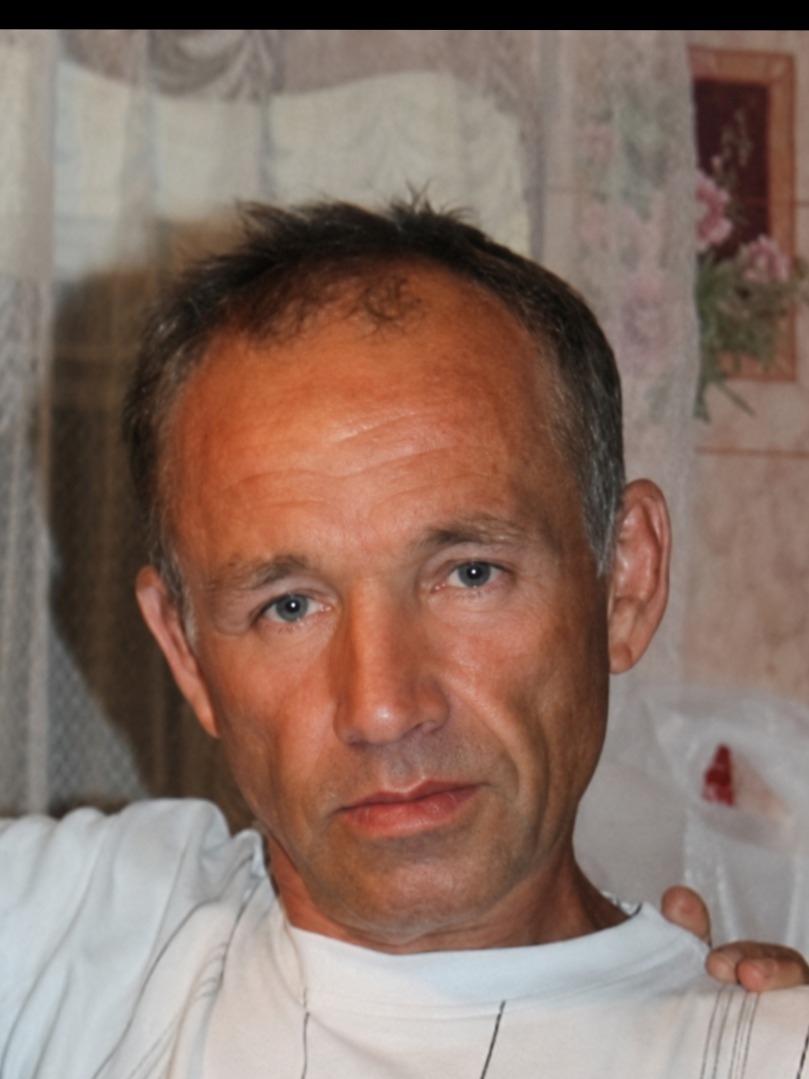
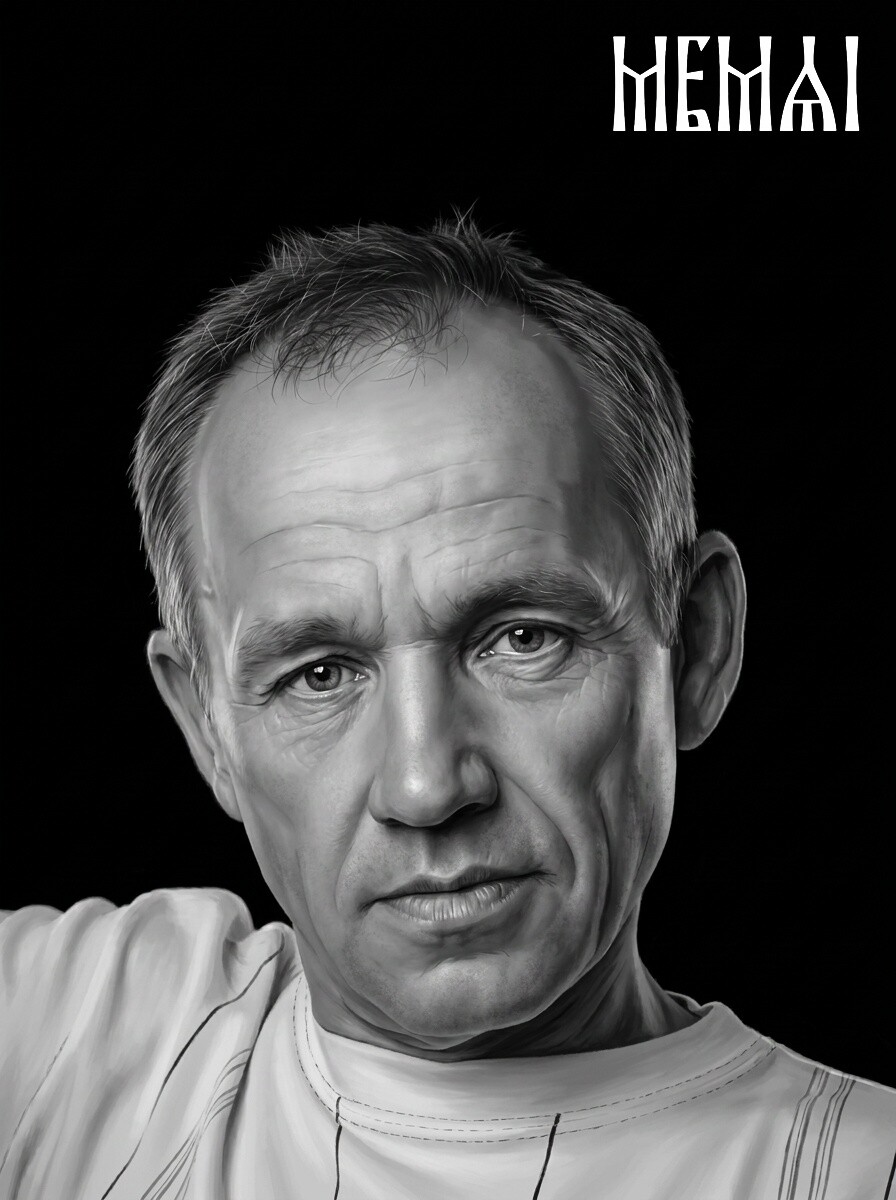
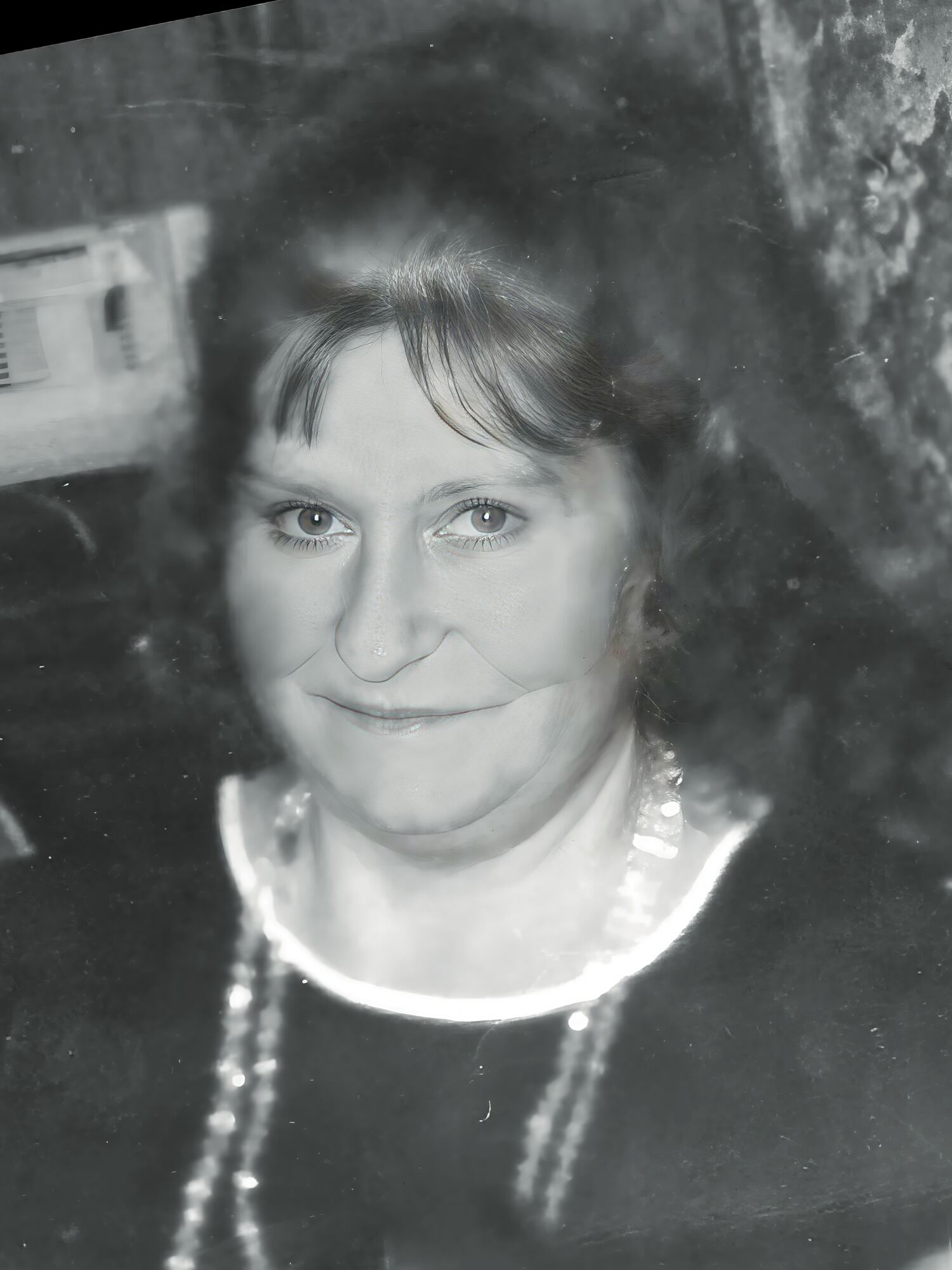
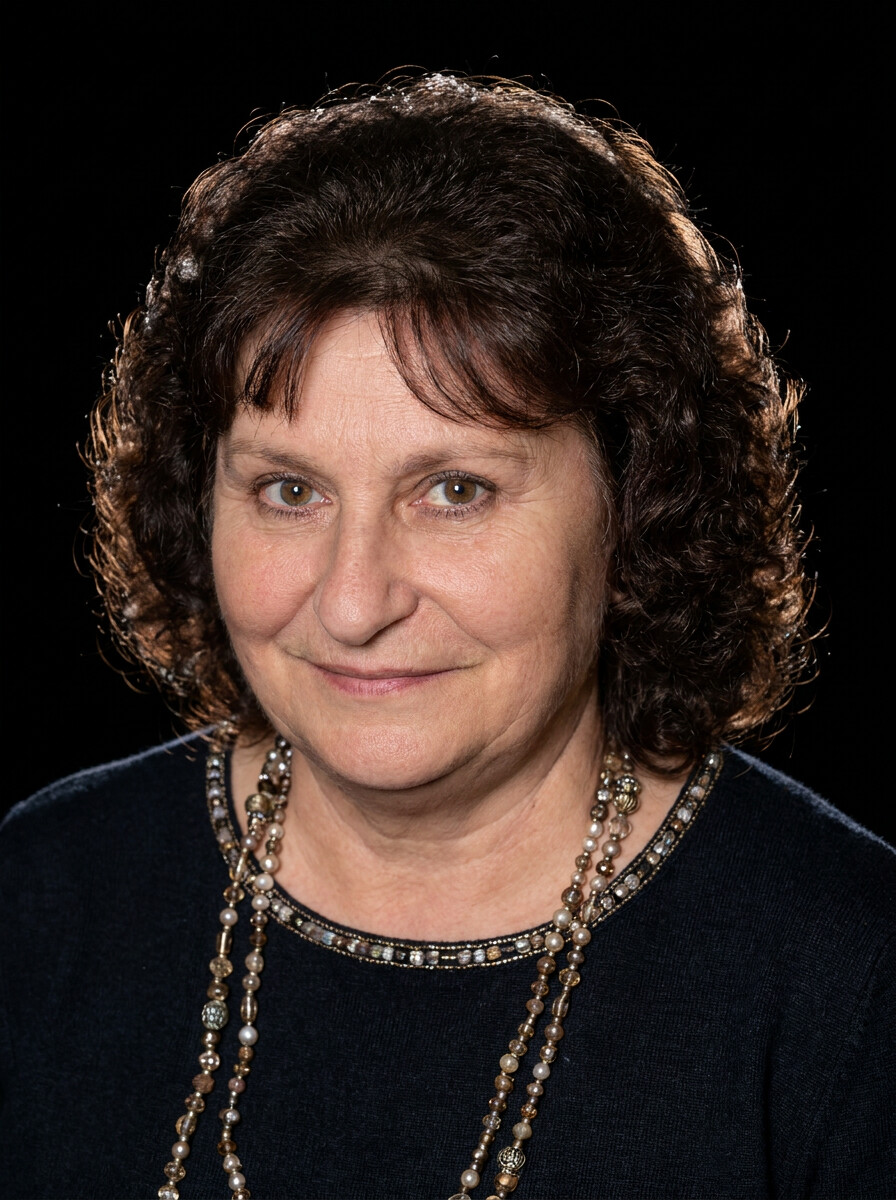

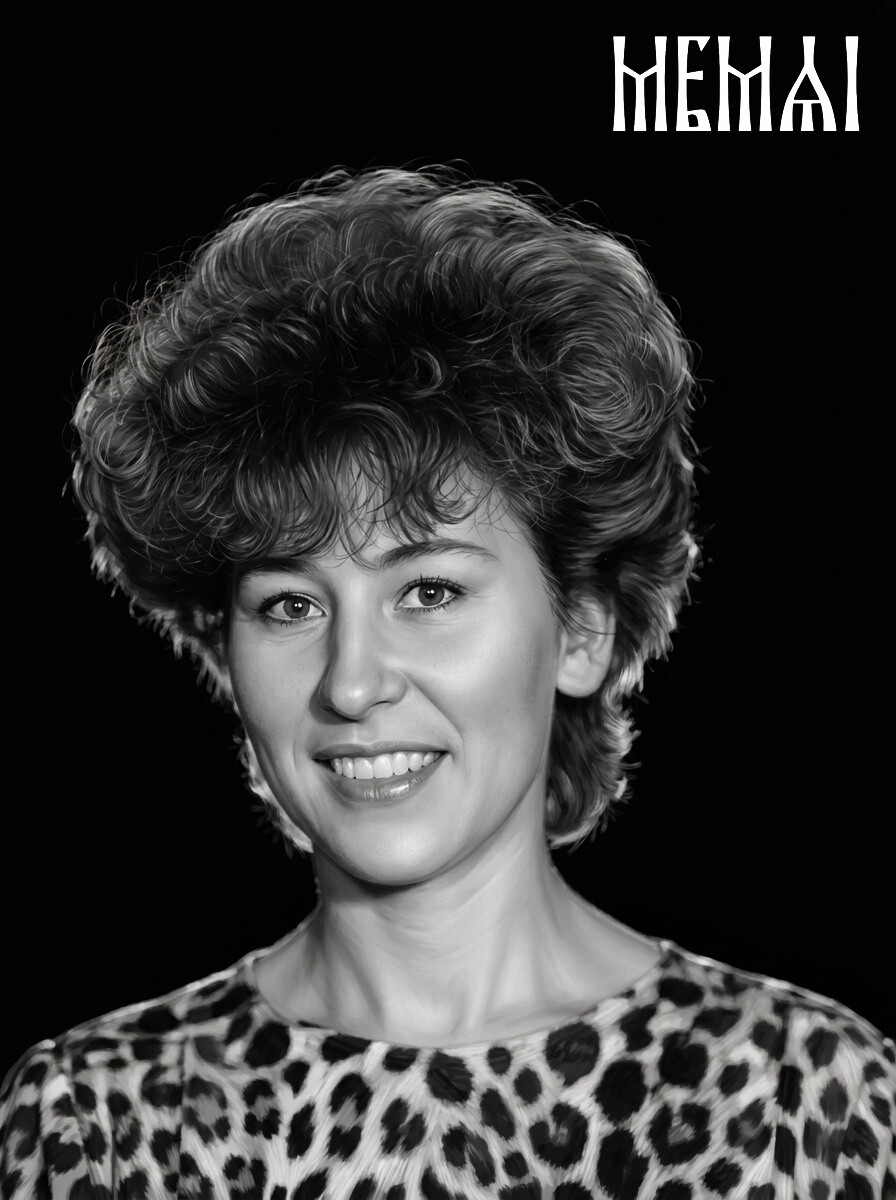

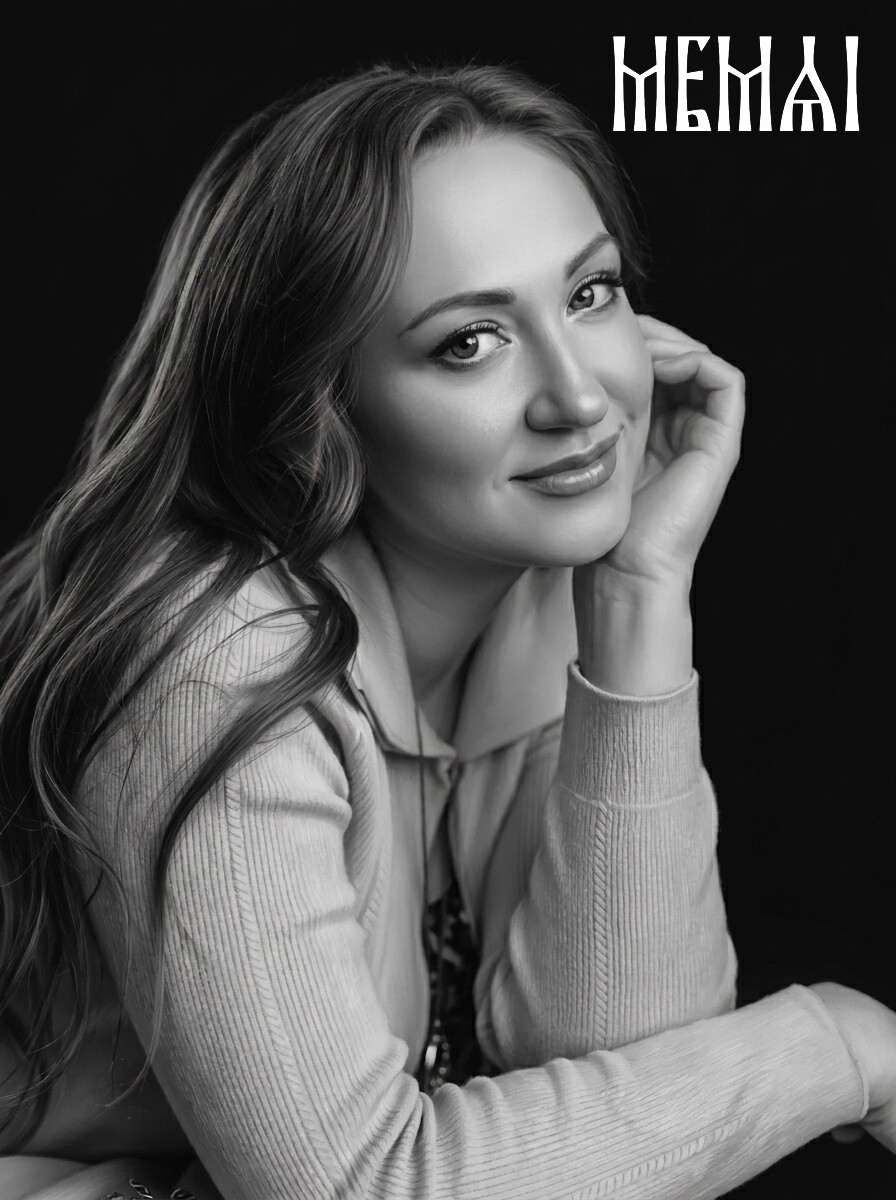
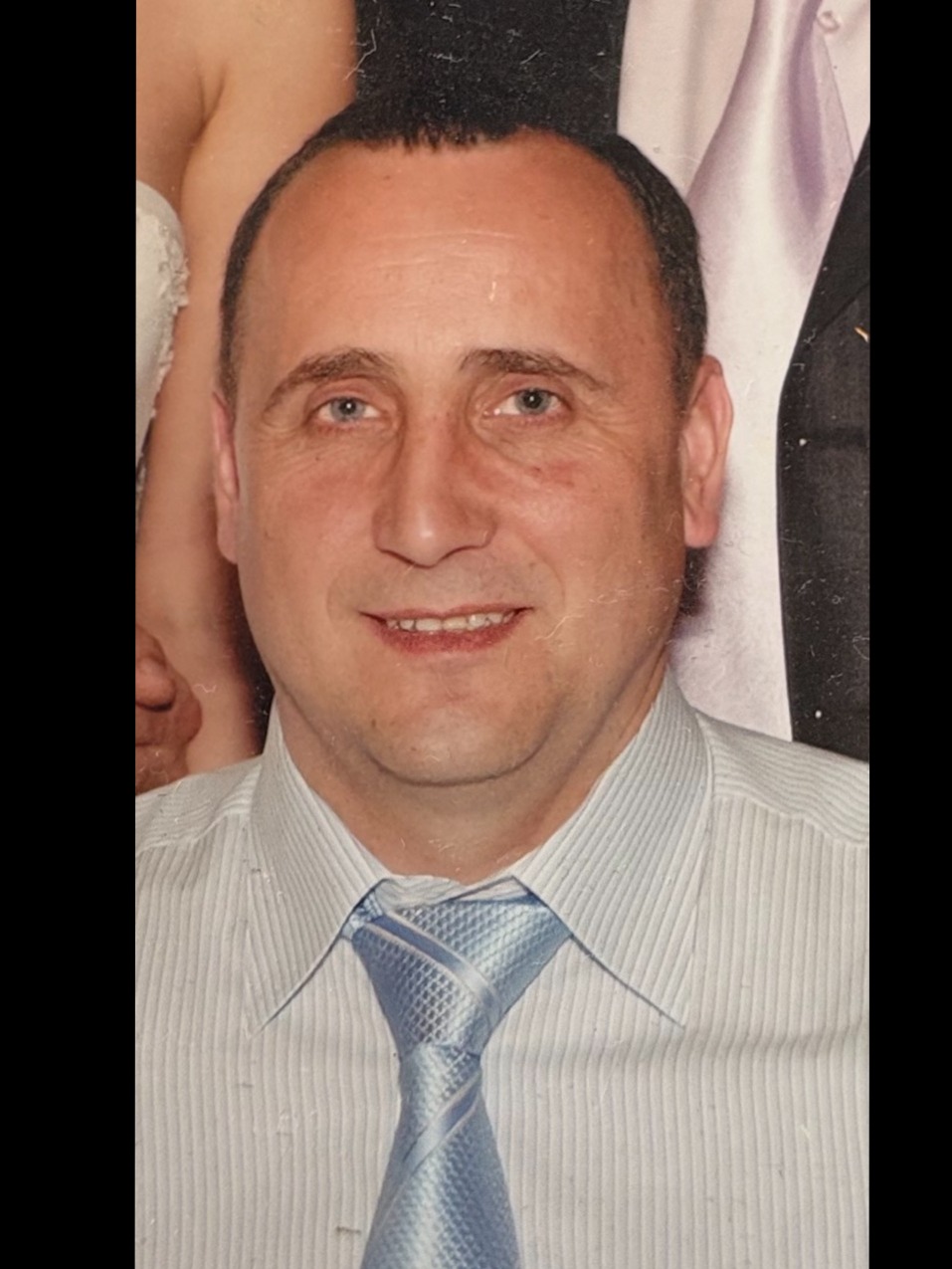
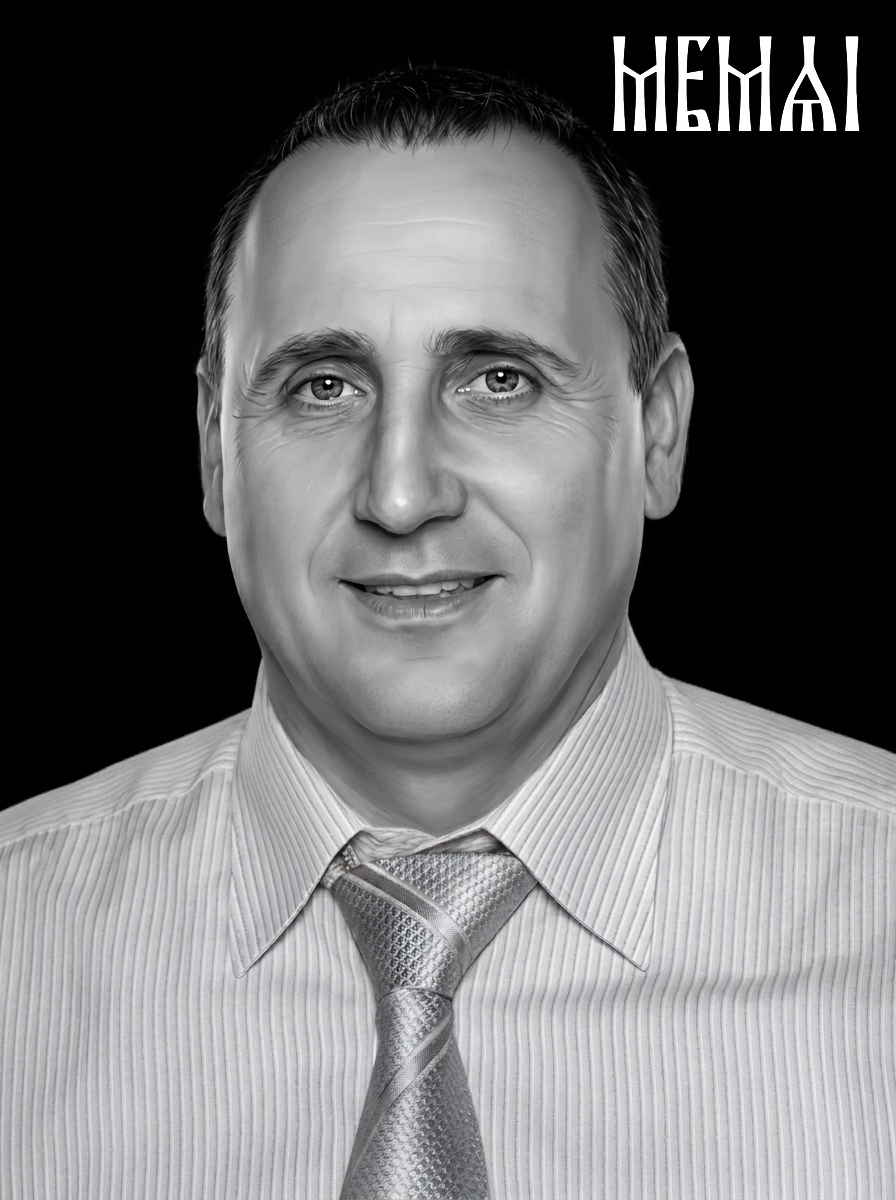
When you order a headstone, the shop will ask for a photo. Bringing a portrait that is already restored and prepared means you stay in control of how your loved one will be remembered — you approve the likeness yourself, calmly, at home, instead of hoping the shop's retoucher gets it right.
Most shops still send difficult photos to a human retoucher and wait a day or more for each portrait. MemAI Studio gives you the same class of headstone portrait retouching in about 5 minutes, at affordable per-photo pricing — a single run is $4.90, and token packs bring the per-portrait cost down further as your volume grows.
Want to see exactly how memorial photos are prepared for granite, step by step? Read the full headstone portrait retouching guide
The full preparation runs in stages: restoration of the source photo (scratches, fading, creases, blur), portrait retouching in a consistent artistic style, background removal with an optional halo, and a final high-resolution file tuned for engraving machines and laser-etched granite.
You receive a 4K file that a monument shop or engraver can send straight to the machine.
Yes. Memorial photo restoration is the first stage of the pipeline: faded prints, scanned film photos, scratches, stains and soft focus are repaired automatically. Black-and-white photos are colorized as part of the process.
The better the source photo, the better the result — but even small, worn prints from decades ago usually produce a clean engraving-ready portrait.
Preserving identity is the core requirement of the pipeline. The models are tuned for memorial work, where the face must remain true to the person — features are restored, not reinvented.
You can review the result before downloading, and the first photo is free, so you can judge the likeness yourself before paying anything.
Pick the photo where the face is sharpest and largest — ideally chest-up or shoulders-up, facing the camera or at a slight angle. Age of the print matters less than sharpness of the face.
Avoid heavily blurred or very small faces from group shots when a better option exists — although group photos can be processed too.
Yes. The output file works for laser and impact engraving on granite, for memorial plaques, and for ceramic memorial photos and decals.
The contrast and detail are tuned for stone engraving, and the high-resolution file is easy to rescale for a ceramic photo plaque of any size.
 Try It Free — First Photo On Us